MyProductiveLifeCo
Eisenhower Matrix Spreadsheet for Google Sheets & Excel
Eisenhower Matrix Spreadsheet for Google Sheets & Excel
Couldn't load pickup availability
Stop feeling overwhelmed and start focusing on what matters most.
This Eisenhower Matrix Spreadsheet helps you prioritize your tasks using the proven urgent vs. important method, making it easier to decide what to do first, what to schedule, what to delegate, and what to eliminate.
Whether you're managing work projects, business tasks, school assignments, personal goals, or everyday responsibilities, this planner keeps everything organized in one connected system.
This spreadsheet is designed to work best with Google Sheets and Excel 365 subscriptions.
Contact us right away if you have any questions :)
After you purchase:
You will receive a confirmation email and soon after you will receive another email with links to download your files.
- For Google Sheets: Download the PDF. In the PDF click on the button. It will redirect you to the Google Sheet website where you can make a copy of the file. If the file opens in "View Only" go to "File" and chose "Make a copy".
- For Excel: Download the .xlsx file and open file in Microsoft Excel.
Why You'll Love It
✔ Prioritize tasks with confidence
✔ Focus on what matters most
✔ Reduce overwhelm and make better decisions
✔ Stay organized with one connected planner
✔ View your workload at a glance
✔ Automatic updates throughout the spreadsheet
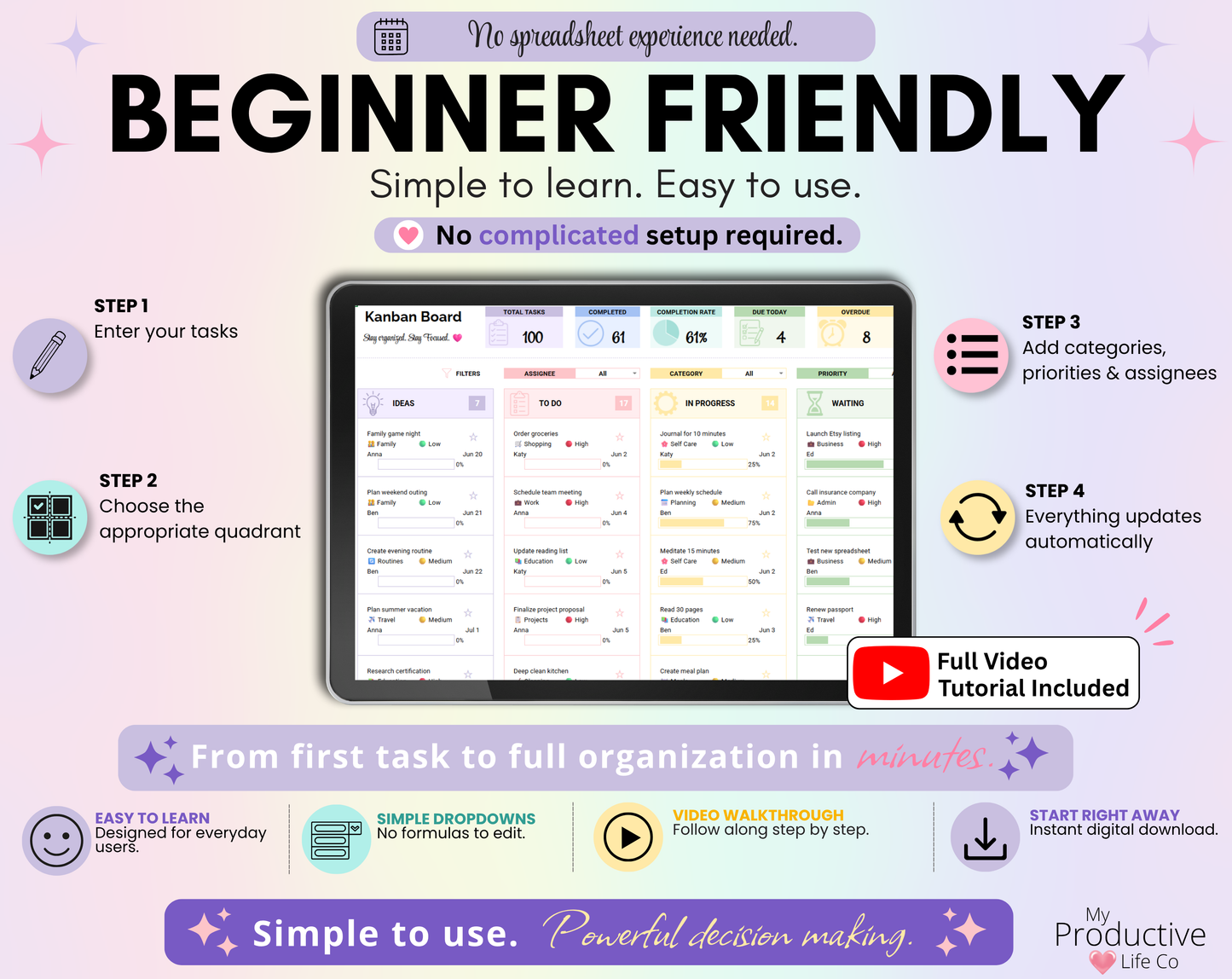
✔ Beginner friendly with a full video tutorial
What's Included
- Eisenhower Matrix Dashboard
- Master Task List
- Monthly Calendar View
- Setup Tab
- Step-by-step Instructions
- Full YouTube Video Tutorial
Compatible with:
- Google Sheets
- Microsoft Excel
Features
Eisenhower Matrix Dashboard
Organize every task into four simple quadrants:
- Do First
- Schedule
- Delegate
- Eliminate
The dashboard also includes:
- Dashboard statistics
- Charts and insights
- Smart filters
- All tasks organized by quadrant
Master Task List
Manage every task from one central location.
Track:
- Categories
- Priorities
- Eisenhower Quadrants
- Assignees
- Due Dates
- Completion Percentage
- Notes
Monthly Calendar View
See your schedule at a glance with:
- Monthly calendar layout
- Tasks color-coded by quadrant
- Upcoming deadlines
- Task checkboxes
- Automatic updates
Customize Your Planner
Personalize the spreadsheet by editing:
- Categories
- Assignees
How It Works
- Add your tasks to the Master Task List.
- Assign each task to an Eisenhower Matrix quadrant.
- View your priorities instantly in the dashboard.
- See upcoming deadlines in the Calendar View.
Everything stays connected and updates automatically.
Perfect For
- Professionals
- Business Owners
- Entrepreneurs
- Students
- Project Management
- Goal Setting
- Personal Productivity
- Home Organization
- Team Planning
- Daily Task Management
______________________________________________
》NOTES
- For Google Sheets, you will need Google Sheets and a basic understanding of how to use it.
- For Excel, you will need a Microsoft Excel 365 subscription and a basic understanding of how to use it.
- The spreadsheet looks and works better on a desktop/computer.
______________________________________________
》IMPORTANT
All designs are ©MyProductiveLifeCo. This item is for personal use and cannot be resold, redistributed, or used for any commercial purposes.
______________________________________________
》THIS IS A DIGITAL PRODUCT / INSTANT DOWNLOAD
Digital means its ready to download straight away after buying! No waiting, and no shipping fees. Purchase once and its yours forever!
*No physical product will be shipped*
______________________________________________
Share